



What is Game Change EA MT4 ?
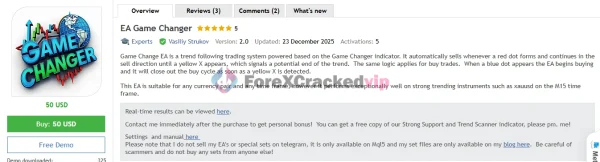
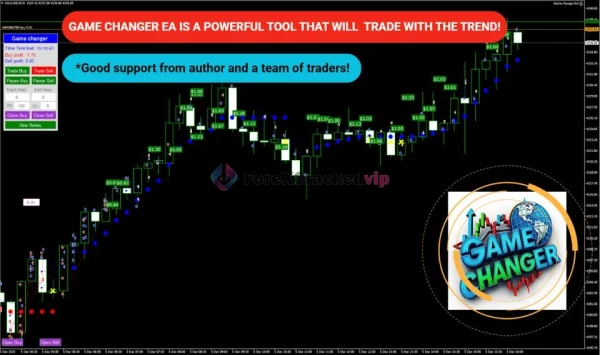
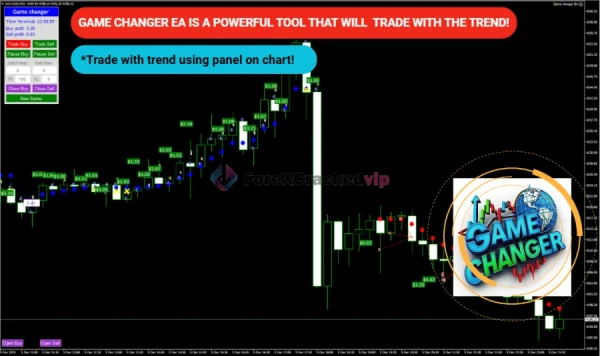
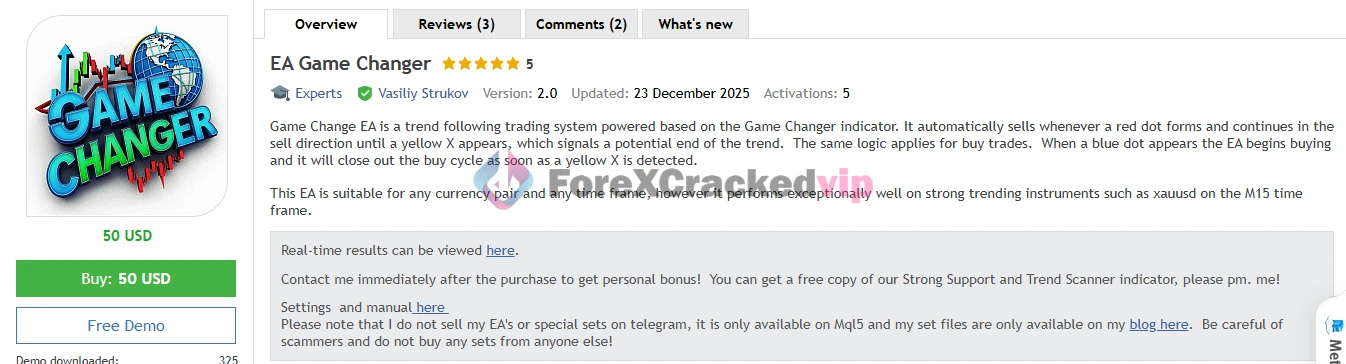
Game Change EA is an automated trading system for MetaTrader 4 designed to trade trends dynamically and without manual intervention. It interprets signals from the Game Changer indicator and enters trades when trend conditions meet its logic, then exits them when the trend ends.
➡️ Vendor Website: Available on the official product page | MQL5
➡️ Telegram Support: Join for updates, announcements, and support
Game Change EA MT4 Review
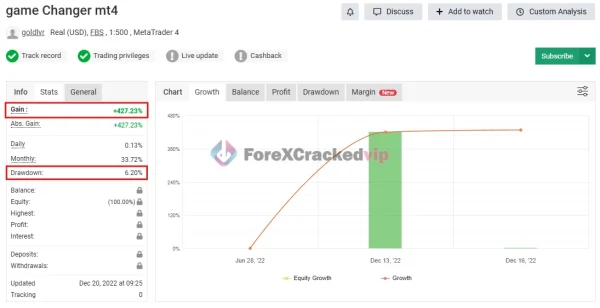
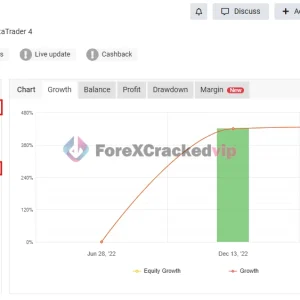
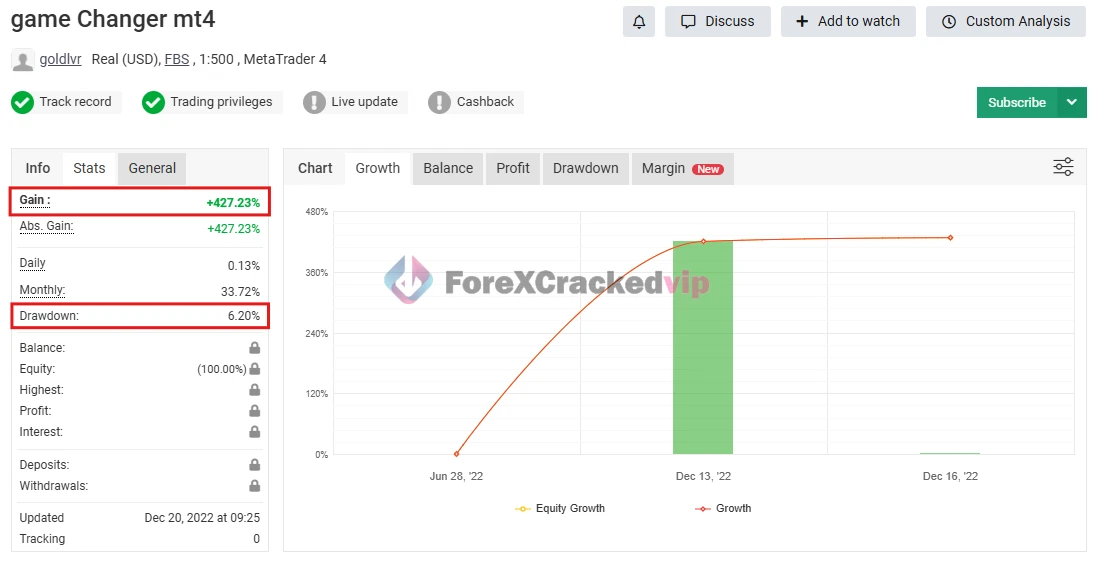
Game Change EA MT4 MYFXBook Verified Review | Check Live
-
Gain: +427.23%
-
Drawdown: 6.20%
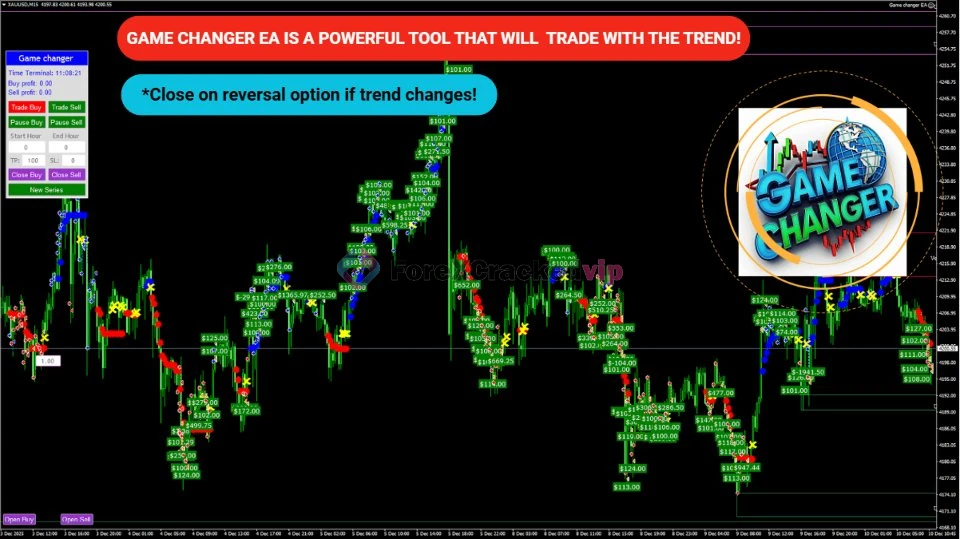
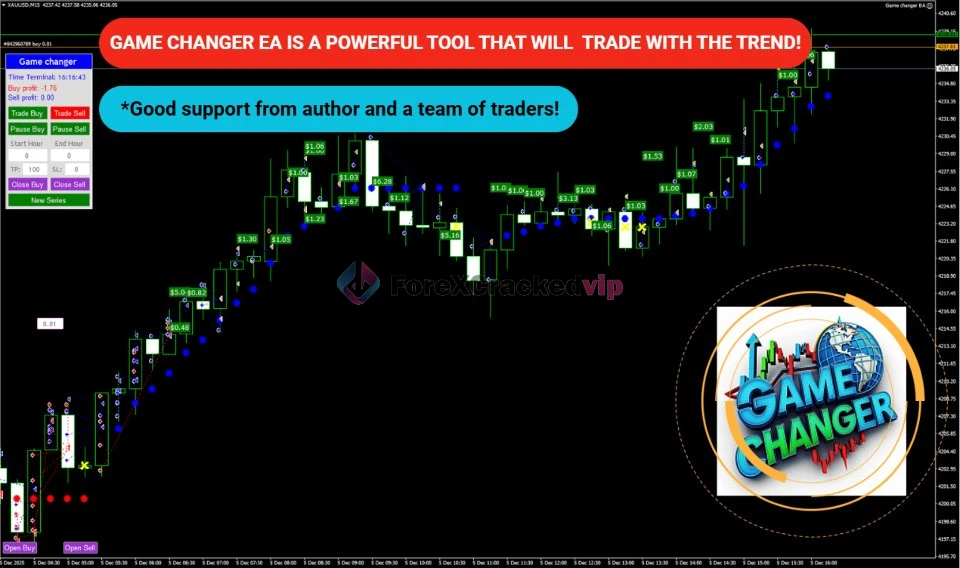
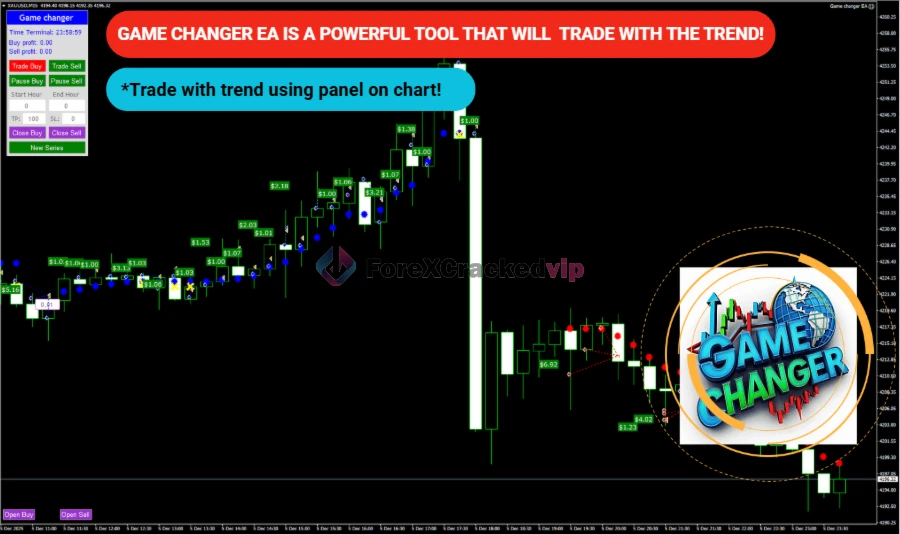
Core Strategy
-
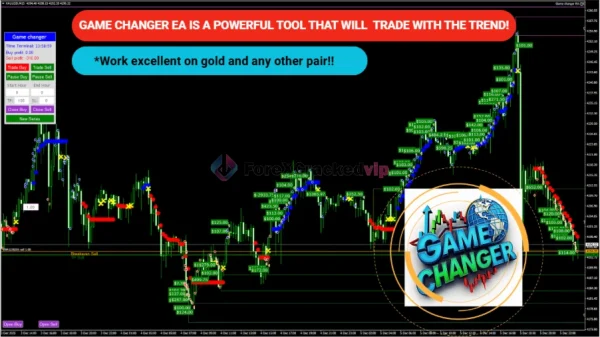
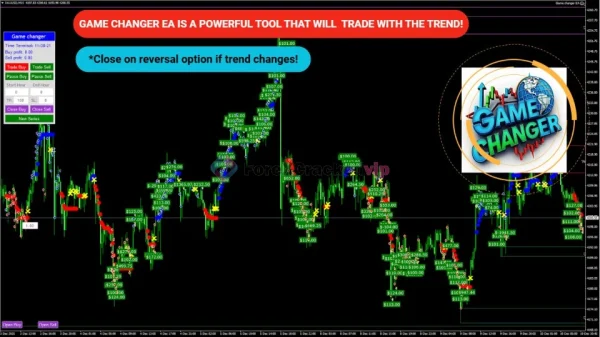
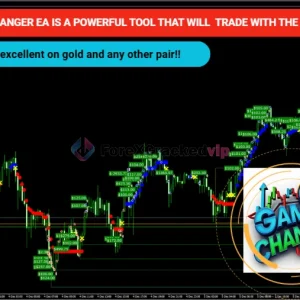
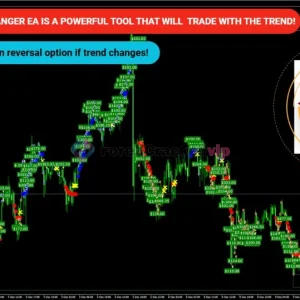
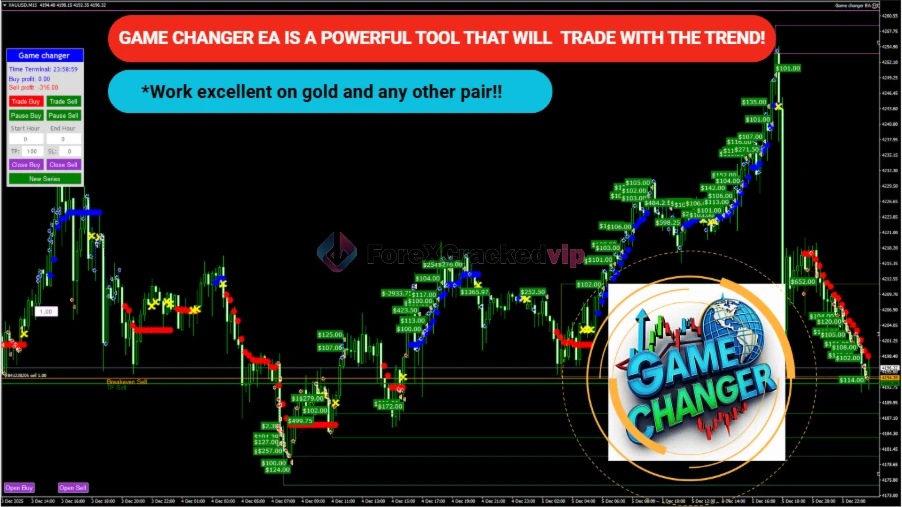
Buy Signal: Occurs when a blue dot appears — the EA begins a buy cycle.
-
Sell Signal: Triggered by a red dot — the EA starts a sell cycle.
-
Exit Condition: A yellow X signals the trend is weakening or changing, prompting the EA to close existing positions.
This trend detection and execution method aligns with how advanced trend-following EAs operate — staying with the trend and avoiding trades in sideways markets.
Best Performing Markets
Though functional on any pair, Game Change EA performs exceptionally well on strongly trending instruments, especially XAUUSD on the M15 timeframe – a market known for prolonged directional moves.
Full Settings & Parameters
Below are the customizable options you can adjust in your EA’s input settings:
| Setting | Purpose |
|---|---|
| Open new series | Start a fresh order series (true/false) |
| Trade Buy | Enable buy trades |
| Trade Sell | Enable sell trades |
| Support manual orders | Allow EA to manage manual trades |
| Use hedge | Enable buy & sell simultaneously |
| Max Orders | Maximum number of open orders |
| Order Comment | Label assigned to each trade |
| Start lots | Initial lot size |
| Use Money Management | Automatic lot calc (true/false) |
| Autolot (Free Margin per 0.01) | Free margin required per 0.01 lot |
| Lot multiplier | Multiplier for subsequent orders |
| Max lot | Maximum allowed lot size |
| Real/Virtual TP & SL | Real and hidden TP/SL in points |
| Use Real Trail | Real trailing stop (true/false) |
| Trail Start/Step | Trailing stop start and step in points |
| Close from reverse signal | Close trade on opposite signal |
| Max spread | Maximum allowed spread |
| Start/End Hour | Trading time window |
| DD Reduction Algorithm | Drawdown reduction logic activation |
| Pause between orders | Minimum pause between entries |
| Magic | Unique EA identifier |
| Fix/Order dynamic distance | Controls spacing between orders |
| Dynamic distance start & Multiplier | Dynamic spacing logic |
These parameters give you granular control over risk, execution, and trade management – key features for any advanced EA.
Reviews
Trend Following Efficiency:
The EA uses a clean trend signal approach rather than scalping or grid strategies, which aligns with best practices for trend-based EAs like MACD or ADX models.
Risk Controls:
With adjustable maximum orders, money management, and drawdown reduction logic, this EA provides strong risk parameters, which are essential since automated systems can struggle without these.
Performance Suitability:
Most trend EAs perform best in directional markets — Game Change EA is no exception. It’s less effective in ranging or choppy conditions.
Ease of Use:
Designed for both beginners and experienced traders, no advanced coding is needed; installation on MT4 is straightforward.
Game Change EA – MT4 Installation Guide
✅ Step 1 – Download & Prepare EA Files
-
After purchasing Game Change EA, download the EA files (.ex4 and/or .mq4).
-
If the EA comes compressed (ZIP/RAR), unzip it first.
-
🔹 EA files should include:
-
The main
.ex4(compiled expert) -
Optional
.mq4source file -
Any included set presets (e.g.,
.set)
📂 Step 2 – Open MT4 Data Folder
-
Launch MetaTrader 4.
-
Click File → Open Data Folder in the top menu.
This opens the MT4 installation directory where EAs and indicators are stored.
📁 Step 3 – Paste EA into the Proper Folder
In the opened data folder:
For the EA
-
Go to MQL4 → Experts
-
Copy your Game Change EA files into this Experts folder
If there are custom indicators
-
Go to MQL4 → Indicators
-
Copy any custom indicator files here
If there are library files
-
Go to MQL4 → Libraries
-
Paste any
.dllfiles there
Reminder:
-
.ex4are compiled EA files (ready to use) -
.mq4are source files (can be compiled if needed)
🔄 Step 4 – Reload EA in MT4
-
Close the data folder window.
-
In MT4, open the Navigator panel (press Ctrl + N or click View → Navigator).
-
Right-click on Expert Advisors and click Refresh.
👉 You should now see Game Change EA listed under Expert Advisors.
🧰 Step 5 – Attach EA to a Chart
-
Open a chart for the pair and timeframe you want the EA to run on (e.g., XAUUSD M15).
-
In the Navigator panel, drag & drop Game Change EA onto the chart.
-
A settings window will open — configure your inputs or load a
.setpreset file if provided, then click OK.
▶️ Step 6 – Enable Auto Trading
To allow the EA to trade:
✔ Ensure the AutoTrading button on the top toolbar is green.
✔ In the EA settings → Common tab, make sure:
-
Allow live trading is checked
-
Allow DLL imports is enabled if required
Only then will the EA place trades automatically.
📩 Free Support & Setup Help – Contact us 👉 Telegram Support
Frequently Asked Questions
1. What type of strategy does Game Change EA use?
It uses a trend following strategy, entering trades based on trend signals from the Game Changer indicator. Trend followers aim to stay with the trend until conditions reverse.
2. Can I use this EA on any currency pair?
Yes – it works on all major and minor pairs, but shows best results on trending assets like XAUUSD (Gold) on M15.
3. Is this EA suitable for beginners?
Yes. While some parameter tuning helps performance, the core logic is easy to use and automated. Trend-based EAs often offer a smoother learning curve than complex systems.
4. Do I need a VPS to run Game Change EA?
A VPS is recommended to ensure the EA runs 24/7 without interruption from internet or power loss – a crucial best practice in automated trading.
5. What timeframes work best?
While it works across timeframes, M15 on strongly trending pairs like gold tends to show the best trend capture potential.
Vendor Info
-
Vendor: Vasiliy Strukov (Expert MQL5 developer) – highly rated and reputable among EA creators.
-
Version: 2.0 (updated Dec 23, 2025)
-
Pricing: ~50 USD for the EA license (MQL5 market).
Best Alternatives
-
Chinese UAV EA MT4 | Download Now
-
Trade Vantage v4 EA MT4 – MYFXBook +303% | Download Now
-
EURUSD Robot MT4 – MYFXBook +650,649% | Download Now
Free Download Game Change EA MT4 (FREE for VIP Members)
You can download the EA instantly from our website.
Want unlimited access to 500+ premium Forex robots?
👉 Become a VIP Member:
🔗 https://forexcrackedvip.com/memberships/
VIP Members get:
- Unlimited EA downloads
- Premium indicators
- Lifetime access
- Weekly updates
- Priority support







Reviews
There are no reviews yet.